Starglow v2.0 Released
Starglow v2.0 is optimised for iPhone Duo and adds the Dark Site Finder, Best Location Tonight, seeing and transparency, Vantage Point, Star Trails and a 3D map to Starglow Pro, plus new alerts, widgets, Siri and Red Night Mode.
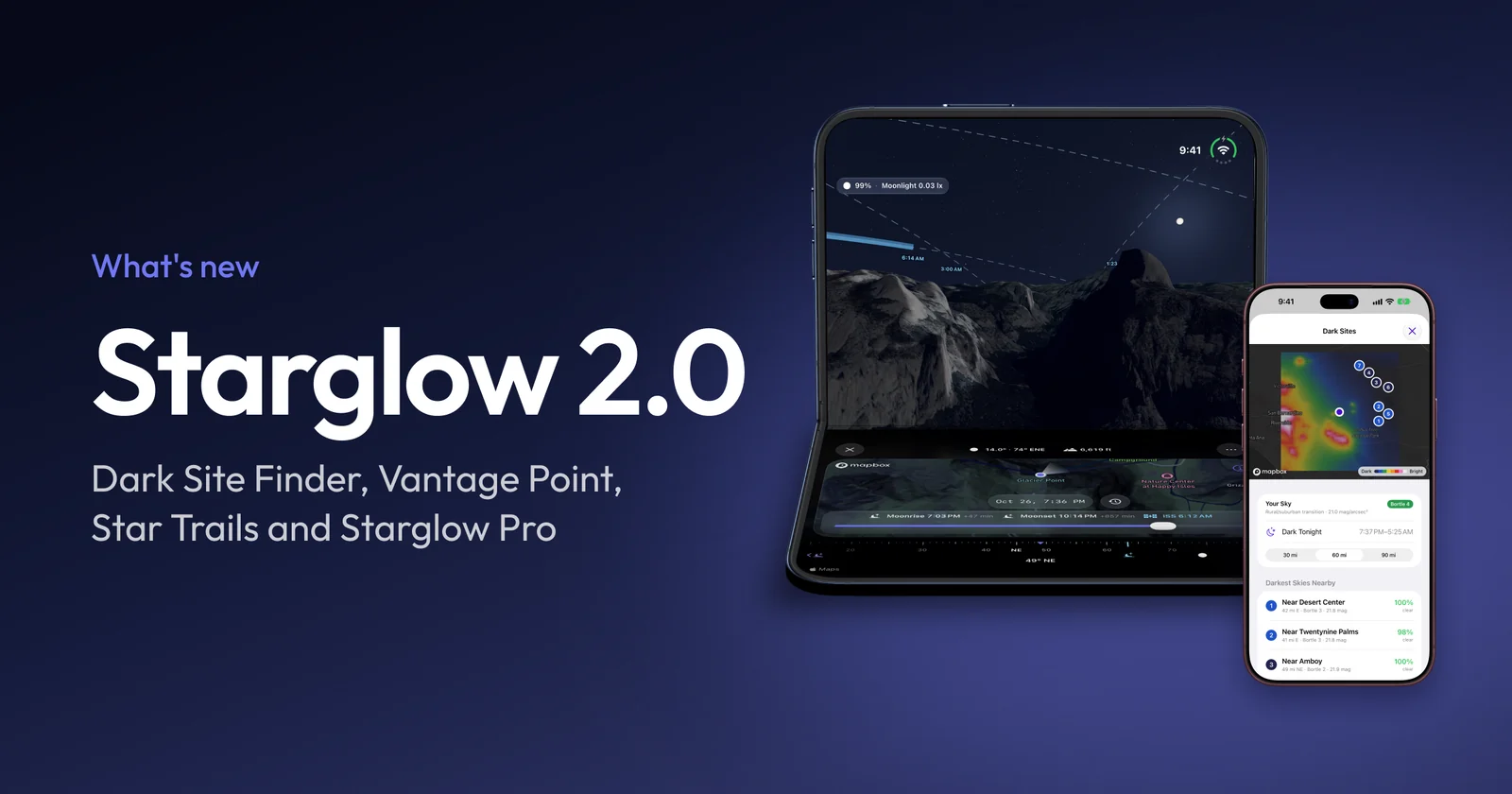
Starglow v2.0 is the biggest update since launch. It’s built for iOS 27 and optimised for iPhone Duo, and it brings a big set of new Starglow Pro tools for finding the darkest sky, trusting tonight’s forecast and planning the shot before you leave the house.
The highlights for v2.0…
iPhone Duo
Starglow is optimised for iPhone Duo. Closed, the forecast fits the outer display, with the tab bar down the side when you hold it in landscape. Open it up and the hour-by-hour forecast fills the inner display. Stand it half open like a laptop and the Map tab and Vantage Point move their controls off the fold: the sky on the top half, the map and time slider on the bottom.
Starglow Pro
Starglow is still free to download, with the 48-hour sky forecast, the Moon map and AR, and alerts. Starglow Pro has offered five-day forecasts since launch, and v2.0 adds the features below marked Pro. It’s available as a monthly, yearly or one-time lifetime purchase, and you can share it with up to five family members through Family Sharing.
Dark Site Finder
See light pollution around you from NASA satellite data, your sky’s Bortle class, and the darkest places nearby ranked by tonight’s cloud. Save a dark site straight to your locations. Requires Starglow Pro.
Best Location Tonight
Compare your saved locations and see where tonight will be clearest and darkest. Requires Starglow Pro.
Saved Locations
Name and keep your favourite observing spots and switch between them from the location menu. Places you pick on the map are kept as recent locations too. Requires Starglow Pro.
Seeing, Transparency & Models Clear
Three new forecast rows:
- Seeing: how steady the air will be for planets and fine detail.
- Transparency: how clear it will be for faint galaxies and nebulae.
- Models Clear: how many of six independent weather models forecast a clear sky each hour, so you know how much to trust tonight’s forecast.
Requires Starglow Pro. More on the astrophotography forecast.
Vantage Point
Long-press the map to stand anywhere and look around: the real terrain and buildings, with the Moon, stars, planets, the Milky Way and the ISS’s passes where they’ll be at any time, on screen or in AR. Requires Starglow Pro.
Star Trails
Plan a long exposure in Vantage Point. Pick how long the shutter stays open and see every star’s trail over the real skyline, how long the trails will be wherever you point, and whether twilight, the Moon or an ISS pass will cross the frame. Requires Starglow Pro. See Vantage Point and Star Trails.
3D Map
The Map tab gains 3D terrain and buildings, with the Moon in the sky at its true size and phase, setting behind ridges and rooftops. Requires Starglow Pro.
Augmented Reality
The Moon now appears in AR at its current phase, lit from the Sun’s direction, and lines up more reliably when the view opens. A new key explains what you’re seeing.
With Starglow Pro, open any ISS pass from the forecast to see its path across your sky, where it rises and sets, and the station itself moving along it. More on ISS passes.
Alerts
Get notified for dark skies, moonrise and moonset, new and full Moons, ISS passes, and clear nights ahead. Dark Sky and Moonrise alerts can be toggled from Control Center. Clear Night alerts require Starglow Pro.
Widgets, Siri & Shortcuts
- Widgets: Sky Conditions and Night Outlook widgets for your Home and Lock Screen, for any location you choose. Requires Starglow Pro.
- Siri & Shortcuts: ask for tonight’s sky, the Moon phase or the next ISS pass, turn alerts on or off, and build your own Shortcuts.
Red Night Mode
Turn the whole app red to protect your night vision at the eyepiece. Find it in the moon menu or under More.
And more
- The forecast scrolls more smoothly, especially across longer Pro forecasts.
- Wind speeds are now shown correctly, plus various other fixes and improvements.